Does Video on Product Pages Increase Sales for Fashion Brands?
Why video on product pages sells fashion better than photos, what Minimale Animale saw in 30 days, and how to measure the lift on your own Shopify store.

- Published:
- Updated:
- Reading time:
- 7 min read
Yes. Video on product pages sells fashion better than photos alone, because fabric, fit, and movement only come across in motion. Minimale Animale, a swimwear brand, saw +24% conversion in 30 days after making its Instagram Reels shoppable with VideoPoint. That's one brand's result, so the number that should drive your decision is the one you measure on your own product pages.
Why Video on Product Pages Beats Static Images
A photo shows what a product looks like standing still. Video shows how it moves, how it fits, and how it looks on a person, and those are the questions a fashion shopper needs answered before buying.
Shoppers Expect to See the Product Move
78% of shoppers prefer to watch a video when buying from a brand. A product page with only photos gives them less than they came for, at the exact moment they're deciding whether to buy.
Shoppable Video Removes the Step Between Watching and Buying
Passive video makes the shopper stop watching, scroll back up, and find the Add to cart button. Every extra step between intent and purchase loses buyers. Shoppable video puts Add to cart inside the video, so the shopper buys while the garment is still moving on screen.
✦ Key takeawayVideo gives shoppers the format they prefer at the moment they decide, and shoppable video lets them buy without leaving it.
Why Fashion Needs Video More Than Other Categories
Fashion depends on video more than categories bought on specs, like electronics, supplements, or home goods. Three reasons:
Fabric and Movement Cannot Be Photographed
A silk blouse and a polyester blouse look identical in a flat-lay image. In video, the difference shows the moment the fabric moves. Weight, drape, sheen, and texture only communicate through motion.
Fit Is the Hardest Thing to Judge From a Photo
Size charts describe measurements. Video shows how a garment actually sits on a body: how it falls across the shoulders, how the waist tapers, where the hemline hits. Fit-related returns are the expensive ones, which is why virtual try-on exists: shoppers see the garment on themselves before they buy.
Fashion Purchases Are Emotional
Nobody buys a leather jacket because of a spec sheet. They buy it because of how it looks in motion, on a body that resembles theirs, in a context they can imagine themselves in. Static images cannot trigger that response.
These three factors compound: the more a purchase depends on fabric, fit, and feel, the more a static image leaves unanswered.
✦ Key takeawayFabric, fit, and emotion don't survive a static image. That's why a fashion product page needs video more than a page selling on specs.
What Shoppable Video Did for Minimale Animale
A named result on a real fashion store tells you more than an average borrowed from other categories.
The brand didn't start with a new shoot. It took the Instagram Reels it already had, made them shoppable with VideoPoint, and placed them in widgets across its Shopify storefront. Over the same 30 days, Minimale Animale measured a 140x ROI. The full breakdown is in the Minimale Animale case study.
It's one brand's result, not a forecast for yours. Your number comes from your own product pages, and the last section shows how to measure it.
How to Get Video on Every SKU
Whether video belongs on the product page is settled. The real question is how fast you can get it on every SKU. A shoot per collection means a studio, models, crew, and weeks of lead time, so video tends to end up on a few hero products and photos everywhere else.
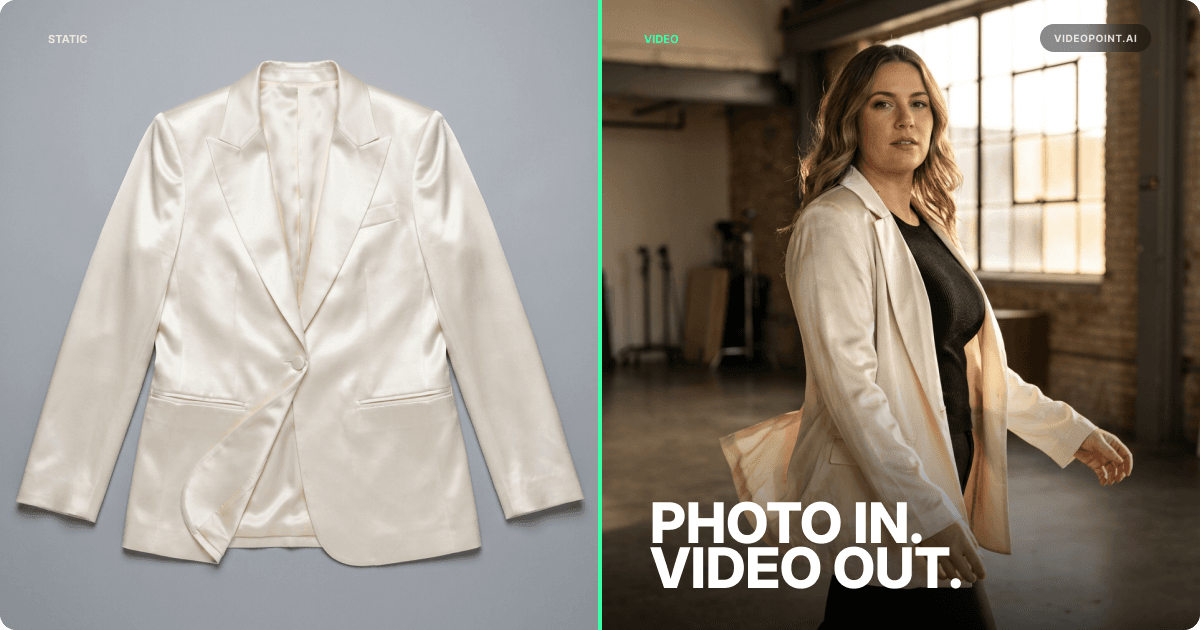
VideoPoint makes the video from the product photos already in your Shopify catalog, at 6% of the usual production cost and 100x faster. One video takes about 5–10 minutes to generate. For a whole catalog, bulk generation takes four clicks:
- Select a template.
- Select the products.
- Let VideoPoint auto-fill the product data from Shopify.
- Generate.
A US fashion wholesaler covered two full collections with 400+ videos this way: 4 clicks for setup, then about 2 hours of automatic generation.
Every video generated in VideoPoint comes linked to the product in it, so the Add to cart button appears on its own. Videos you import from Instagram or TikTok, or upload, need to be linked to their products first.
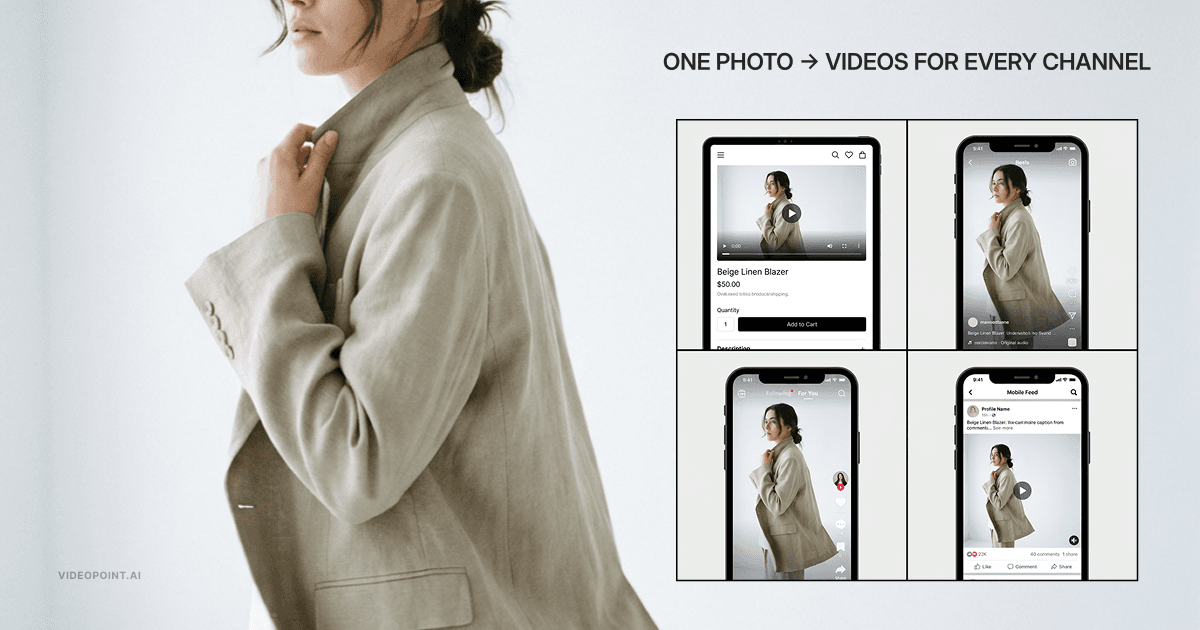
From there, VideoPoint widgets (Stories, Highlights, Carousel, and Video Landing Pages) put the videos on your home page, collection pages, and product pages. The same videos post to Instagram, TikTok, and YouTube, and go straight into your Meta Ads Manager library.
✦ Key takeawayCost no longer limits video to a few hero SKUs. Generate from the photos you already have, in bulk, and every video arrives ready to sell.
How to Measure the Lift on Your Own Store
Any benchmark, including Minimale Animale's, comes from someone else's catalog, traffic, and prices. The number that should drive your decision is your own, and a 30-day test gets it:
- Pick a group of high-traffic product pages and a similar group as the control.
- Add shoppable video to the first group only.
- Run both for 30 days.
- Compare the metrics below.
| Metric | What It Tells You | Where to Find It |
|---|---|---|
| Conversion rate, video pages vs. control | Whether video moves the sale | Shopify analytics |
| Add-to-cart rate | Whether shoppers act on what they watched | Shopify analytics |
| Revenue per visitor | Whether the lift holds in revenue, not just orders | Shopify analytics |
| Watch rate and completion rate | Whether shoppers actually watch | VideoPoint analytics |
| Orders and revenue influenced by video | Which videos earn their place | VideoPoint analytics |
✦ Key takeawayDon't borrow a benchmark. Split your product pages, add video to one group, and let 30 days of your own traffic give you the number.
Frequently Asked Questions
Does video on product pages actually increase sales?
Yes. A fashion product page has to show how a garment moves and fits, and photos can't. 78% of shoppers prefer to watch a video when buying from a brand, and shoppable video lets them add to cart without leaving the video, at the moment of intent.
How much does video increase conversion rates for fashion stores?
Shoppable video can deliver a double-digit conversion lift within 30 days. Minimale Animale, a swimwear brand, saw +24% in that window with VideoPoint. The lift on your store depends on your catalog, your traffic, and where the video sits, so no benchmark from another store predicts it. Add video to one group of high-traffic product pages, keep a similar group without it, and compare conversion rate after 30 days.
Does product page video reduce fashion return rates?
Product video is there to sell, so judge it on conversion rather than returns. Fit-related returns are the expensive ones, and virtual try-on is the tool built for them: shoppers see the garment on themselves before they buy.
Does adding video to product pages slow down my Shopify store?
It can, if every video loads with the page. VideoPoint widgets load videos only when a shopper scrolls to them, so videos further down the page do not slow the first load. Videos are also compressed for web delivery and served from a CDN.
How much does product video cost for a fashion brand?
A traditional shoot needs a studio, models, crew, and weeks of lead time, and the bill grows with every SKU. AI video made from the product photos already in your Shopify catalog runs at 6% of the usual production cost and 100x faster. VideoPoint starts with a Free plan, then Basic at $19.99, Grow at $99.99, and Advanced at $299.99 a month.

Founder and CEO, VideoPoint
Building VideoPoint, the AI video platform for fashion brands. 15+ years in e-commerce, building tech and DTC ventures. Led business development at MultiShip (acquired by a Big Tech company), scaling paying customers from 20 to 1,000 in 18 months. Publishes on AI video commerce and conversion rate optimization.
 5.0 on Shopify
Try VideoPoint Free on Your Shopify Store
Video for Every SKU, From Photos You Already Have
Embed shoppable widgets on your product pages and measure the conversion lift on your own store from day one.
Start FreeFree plan and free trial available