Show Every Garment on Every Body Type with AI Video
AI video that shows the same garment on different body types lets shoppers see how it looks on a body like theirs. How to do it at catalog scale on Shopify.

- Published:
- Updated:
- Reading time:
- 9 min

Most fashion product pages show every garment on one model. One body type, one skin tone, one set of proportions representing an entire customer base. AI avatars fix this by generating the same product on multiple representative models – different sizes, skin tones, and builds – from a single set of product photos at 6% of the usual production cost.
Why Single-Model Product Pages Fail Diverse Audiences
A single model represents a single body type. When your customers don't match that body, they're guessing how the garment will fit – and guessing is what drives returns.
Shoppers notice when a product page shows someone who looks like them. The fix is to show products on models that vary by size and skin tone, even when an interactive model picker isn't on the table.
The problem isn't that brands don't want to show range. It's production economics. Every extra model on a shoot adds a fee, studio time, styling, and post-production, for every SKU. For a growing fashion brand on Shopify, one model per product is often the whole budget. So the entire catalog ends up on one body type, and every customer who doesn't see themselves in it is left guessing.
This isn't a minor gap. A boxy blazer reads differently on a size 4 versus a size 14. A midi skirt drapes differently on 5'2" versus 5'9". Colors read differently across skin tones. When customers can't see those differences on the product page, they either don't buy or they buy and return.
✦ Key takeawayProduct pages showing a single model type leave conversion on the table for every customer who doesn't match that body.
How Fit Expectations Drive Fashion Returns
Fit is the return reason a product page can do something about. A garment that doesn't sit the way the shopper expected goes back, and every return costs shipping, handling, and the margin on a sale you already paid to win.
The core driver is the expectation gap. A shopper sees a dress on a tall, size-2 model and imagines how it'll look on their 5'4", size-10 body. That guess is often wrong. The garment arrives, the drape is different, the proportions don't match, and it goes back.
Size charts don't solve this. Size charts communicate measurements. They don't communicate how a silhouette actually lands on a specific body shape. A video of the same garment on different body types communicates what no measurement table can: proportion, drape, and visual fit in motion.
Don't take a borrowed return figure on trust: category, price point, and customer differ from store to store. Track return reasons on products with multi-model video against similar products without it, and let your own numbers decide.
✦ Key takeawayFit-related returns are the expensive ones. Showing the same garment on several body types narrows the gap between what the shopper expects and what arrives.
How AI Avatars Work for Fashion Product Pages
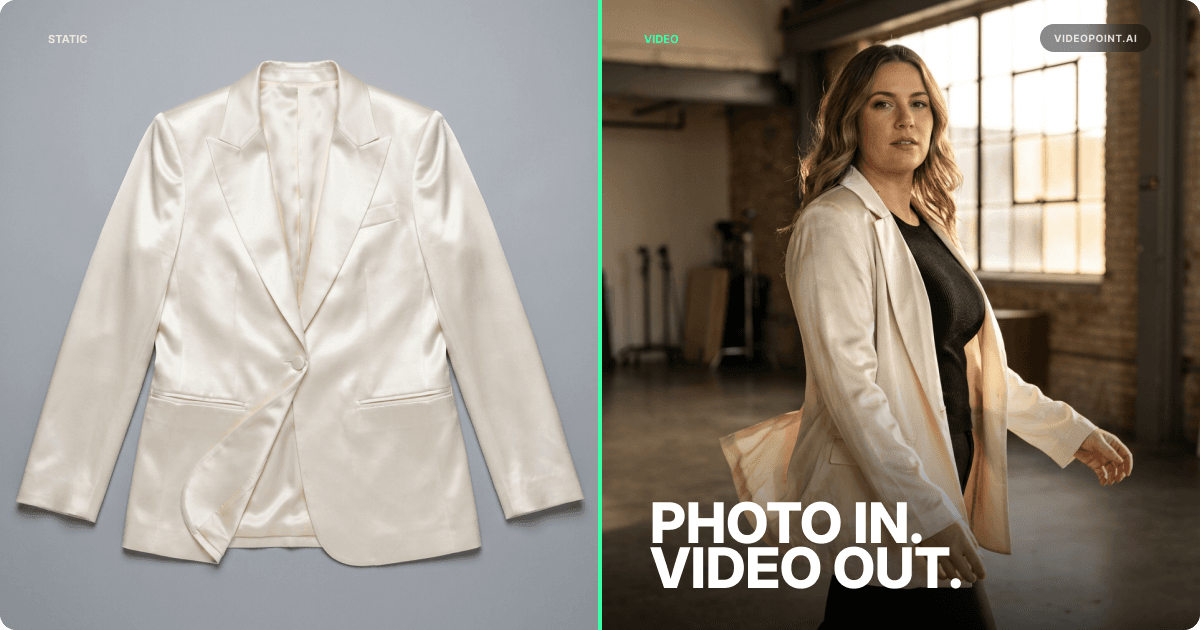
AI avatars are digitally generated models that wear your real products. The process starts with your existing product photos – flat-lays, ghost mannequin shots, or standard model photography – and generates video of the garment on AI-created models of different body types, skin tones, and proportions.
The technology uses generative AI to map garment shape, texture, and drape onto virtual models. Standard garment types – t-shirts, dresses, jackets, pants, knitwear – are the most straightforward. Sheer fabrics and intricate embroidery need a closer review before publishing.
Pre-Made Avatar Libraries
Pre-made avatar libraries offer immediate range. Pick from a set of body types and looks. Use these for catalog-scale production where speed matters more than brand-specific model consistency.
Custom Avatars
Custom avatars let you build on-brand model representations that match your actual customer demographic. Create 3–4 custom avatars representing your core customer segments, from a prompt or a reference photo, then reuse them across the entire catalog for consistent brand identity.
VideoPoint's AI Creator supports both. Pre-built avatars are ready to use. Custom avatars keep the look consistent across every SKU while representing the body types your customers actually have.
✦ Key takeawayAI avatars generate multi-model product video from existing product photos – no additional shoots, no casting, no scheduling. Pre-made avatars for speed, custom avatars for brand consistency.
AI Avatars vs. Traditional Multi-Model Shoots
The production math is where this decision gets made.
A traditional multi-model shoot for one SKU means several models, each with a fee, plus studio time, styling, photography, and post-production. Multiply that across a catalog and multi-model coverage becomes a budget of its own. So brands shoot one model and move on.
AI avatar generation for the same catalog runs at 6% of the usual production cost, in hours, not weeks. But cost isn't the only advantage. Coverage matters more.
Traditional shoots force prioritization. Which products get the multi-model treatment? The best sellers? The new arrivals? Either way, the rest of the catalog gets one model or none. AI generation removes that decision. Every SKU gets more than one body, because another avatar is another generation from the same photos, not another shoot.
The tradeoff is creative control. A studio shoot gives you pixel-perfect direction over posing, expression, and styling on set. With AI avatars you direct through templates and approve every video before it goes live, and you get the full catalog instead of cherry-picked hero products. For a brand with a deep catalog, that tradeoff closes easily.
78% of shoppers prefer to watch a video when buying from a brand. Minimale Animale, a swimwear brand, saw +24% conversion in 30 days after adding VideoPoint's shoppable video widgets to its store. That is one brand's result from shoppable video, not a forecast for avatars – put multi-model video on your own PDPs and measure what it does.
✦ Key takeawayAI avatars cover the full catalog, not just the hero products: every SKU gets more than one body.
How to Add AI Avatars to Your Shopify Product Pages
VideoPoint makes this a native workflow inside Shopify. No external tools, no file exports, no manual uploads between platforms.
Select Products from Your Catalog
Your product photos are already in Shopify. VideoPoint reads them directly. Flat-lays, ghost mannequin shots, or existing model photography all work as inputs. Multiple photo angles improve output quality – front, back, and side views give the AI more data to generate accurate drape and fit.
Choose Your Avatar Configuration
Select from VideoPoint's pre-built avatars or use custom avatars built to match your brand. Pick 2–4 avatar variations per product for meaningful body diversity. The goal is to represent your core customer segments, not to generate every possible combination.
Generate in Bulk
Pick a template, select the products, let VideoPoint auto-fill the product data from Shopify, and generate. VideoPoint's bulk generation runs hundreds of products in one go – a US fashion wholesaler generated 400+ videos in about 2 hours – with no per-SKU decisions about which products "deserve" multi-model content.
Publish as Shoppable Video on Your PDPs
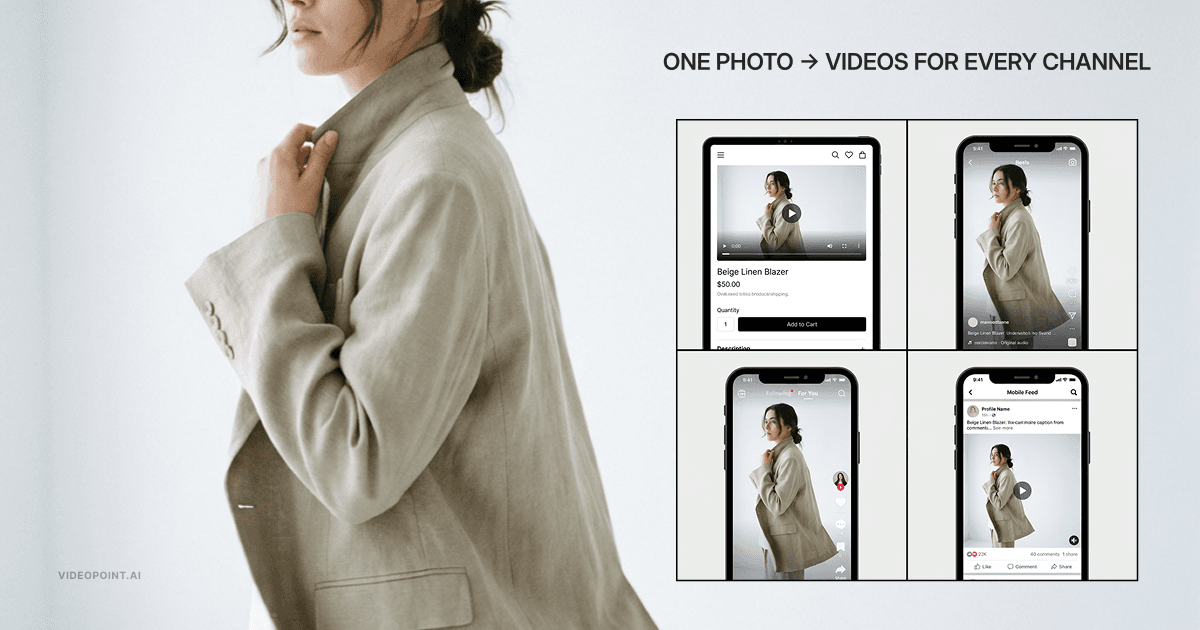
Generated videos go live as shoppable widgets – Stories, Highlights, Carousel, or Video Landing Pages – on your home, collection, and product pages. Each video is built from your product, so it comes linked to that product and the Add to cart button appears on its own. Shoppers see the garment on a body like theirs, tap, and add to cart without leaving the video.
Measure Conversion Impact
VideoPoint's analytics follow every video from view to order – views, product clicks, add-to-carts, and orders – so you can compare avatar variations on the same product. On the Advanced plan, A/B testing lets you test them head to head. Let that data, not a benchmark from someone else's store, decide how far to roll it out.
✦ Key takeawayVideoPoint generates multi-model AI avatar videos directly from your Shopify catalog. Select products, choose avatars, generate in bulk, publish as shoppable video. Full catalog coverage in hours, not weeks.
Frequently Asked Questions
Do AI-generated fashion models look realistic enough for product pages?
Judge it on your own products, not on anyone's claim. VideoPoint builds every video from your product photos, and the Free plan gives you enough AI points to make real videos and see the output before you pay. Standard garments like dresses, jackets, pants, and knitwear are the most straightforward; review sheer fabrics and intricate embroidery closely. A human approves every asset before it goes live.
How much does it cost to show products on multiple AI models?
A traditional multi-model shoot pays every model's fee plus studio time, styling, and post-production, for every SKU, which is why catalogs end up on one model. VideoPoint generates multi-model avatar video at 6% of the usual production cost. Its plans are Free ($0), Basic ($19.99), Grow ($99.99), and Advanced ($299.99) a month, metered by AI points and video views.
Do AI avatars help with fit-related returns?
They go after the cause. Fit-related returns are the expensive ones, and they start when a shopper has to imagine a garment on their own body and guesses wrong. Seeing it on a body like theirs before checkout narrows that gap. Avatar video shows how a piece looks, not which size to order, so keep your size chart, and track return reasons on products with multi-model video to see what it does on your store.
How do I add AI avatar videos to my Shopify product pages?
VideoPoint is natively integrated with Shopify. Select products from your catalog, choose avatars, generate the videos in bulk, and publish them as shoppable widgets on your home, collection, and product pages. No coding and no file exports: the whole workflow runs inside VideoPoint.
Should I disclose that product images use AI-generated models?
Yes. Being upfront about AI-generated models signals confidence in the output, not a disclaimer against it. VideoPoint publishes an AI transparency page you can reference or link to from your store.

Founder and CEO, VideoPoint
Building VideoPoint, the AI video platform for fashion brands. 15+ years in e-commerce, building tech and DTC ventures. Led business development at MultiShip (acquired by a Big Tech company), scaling paying customers from 20 to 1,000 in 18 months. Publishes on AI video commerce and conversion rate optimization.
 5.0 on Shopify
Try VideoPoint Free
AI Video for Every Body Type at 6% of Shoot Costs
Generate AI videos from your product photos, publish them as shoppable video on your home, collection, and product pages, and measure the conversion impact from day one.
Start FreeFree plan and free trial available